What is Global Privacy Control (GPC)? A Practical Guide for Businesses
If you work in privacy, compliance, or engineering at a company that has a website (so... all of you), there's a good chance you've heard the acronym GPC thrown around. Maybe your legal team brought it up. Maybe a browser vendor did. Either way, it's one of those things that sounds simple on the surface but gets surprisingly nuanced once you dig in.
Let's break it down.
What is Global Privacy Control?
In simple terms, Global Privacy Control (GPC) is a setting in your web browser that sends a signal to every website you visit saying: "I don't want my data sold or shared."
That's it. It's a one-bit signal — on or off. When it's on, the browser sends a header (Sec-GPC: 1) and sets a JavaScript property (navigator.globalPrivacyControl) with every page request. The user doesn't have to fill out a form, send an email, or click through your cookie banner. Their browser does the talking for them.
You might remember Do Not Track (DNT) — the browser signal from the early 2010s that everyone ignored because no law required you to honor it. GPC is essentially DNT's successor, except this time it has actual legal teeth.
Which browsers have GPC enabled?
This is the part that catches a lot of businesses off guard. GPC isn't some niche setting that only the most privacy-obsessed users turn on. It's enabled by default in several popular browsers:
Firefox — on by default
Brave — on by default
DuckDuckGo — on by default
For Chrome and Safari users, GPC is available through browser extensions like Privacy Badger and OptMeowt. Adoption is growing, and the volume of GPC signals hitting your website is only going to increase.
What are the legal requirements?
Here's where it gets interesting. GPC requirements fall into two buckets, and which bucket applies to you depends on what state laws cover your business.
Bucket 1: Treat GPC as an automatic "reject all" on your cookie banner
In several states, the requirement is relatively straightforward. When a visitor's browser sends a GPC signal, your website needs to treat it as if that person clicked "reject all" on your cookie consent banner. That means no tracking cookies, no advertising pixels, no analytics sharing — none of the stuff that fires when someone accepts cookies. The GPC signal overrides everything and acts as an automatic opt-out of cookie-based tracking.
Bucket 2: Treat GPC as a data subject request to opt out of sale and sharing
This is the heavier lift. In states like California (under the CCPA/CPRA), a GPC signal doesn't just mean "block cookies" — it means the visitor is exercising their legal right to opt out of the sale and sharing of their personal information. That's a proper data subject request (DSR), and you need to treat it like one.
This goes beyond just suppressing cookies. If you can identify that visitor, you need to opt them out across your systems — not just on the front end.
States with GPC or universal opt-out requirements include California, Colorado, Connecticut, Montana, and Texas — and the list is growing.
What should your business actually do?
Enough theory. Here's the practical playbook.
1. Install GPC and test your own website
This is the easiest and most telling first step. Enable GPC in your browser (or install an extension that enables it) and visit your own website.
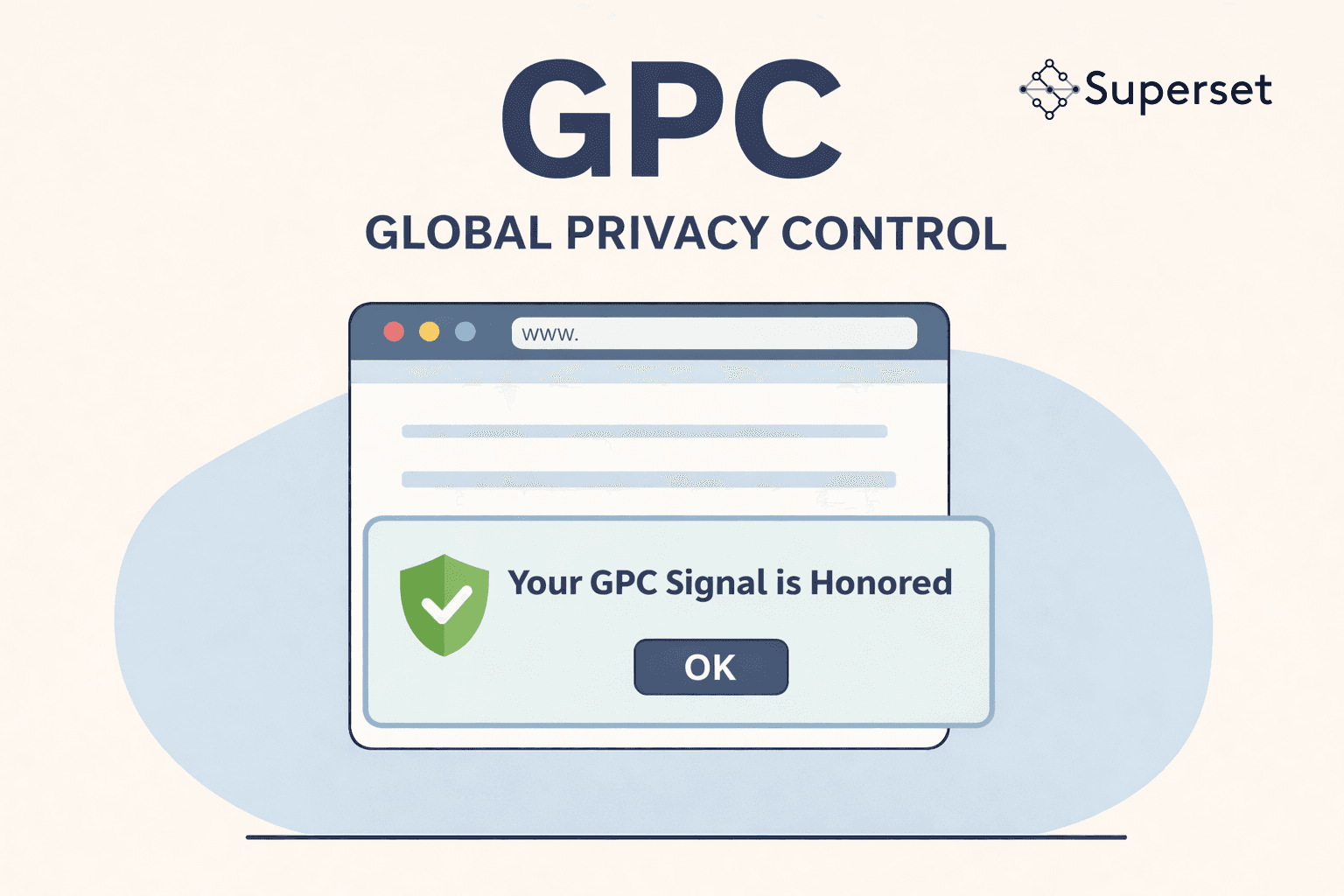
One of the requirements under California law is that your website must acknowledge the GPC signal — typically with a message like "Your GPC signal is honored." If you visit your own site with GPC turned on and don't see anything like that, you already have a problem. That's the first thing to fix.
2. Check if it actually blocks trackers
Acknowledging the signal is one thing. Actually honoring it is another. With GPC enabled, check whether your cookie banner is treating it as a "reject all." Open your browser's developer tools, look at the network tab, and see what's firing. Are your advertising pixels still loading? Are analytics cookies still being set? If tracking tags are still running when GPC is on, your implementation isn't working — regardless of what the banner says.
3. Figure out the identity matching question
This is where it gets tricky, and it's the part most businesses haven't fully thought through.
If you can identify who a visitor is — and they have GPC turned on — you need to opt them out of the sale and sharing of their personal data. That's not just a cookie banner thing. That's a full data subject request.
So the question becomes: can you identify your visitors?
If you track people by IP address, device fingerprint, or a persistent cookie, then you can identify them — and you need to opt them out of sale/share by whatever identifiers you're matching them on.
If you don't match random visitors by IP or cookies, then anonymous visitors don't need to be processed as DSRs. You can't opt out someone you can't identify.
But here's the catch: if someone is logged into your website and they have GPC enabled, you absolutely can identify them. At that point, you need to treat the GPC signal as if they just submitted an opt-out of sale and share request. Full stop.
This last point is the one that trips people up. A user might browse your site anonymously with GPC on and you can't do much beyond suppressing cookies. But the moment they log in, the rules change. You now know who they are, you can see their GPC signal, and you have an obligation to act on it.
This is already being enforced
If you're wondering whether anyone is actually paying attention to GPC compliance — yes. Sephora paid $1.2 million to settle with the California AG in 2022, and a key part of the complaint was their failure to process GPC signals. They weren't detecting the signal, and even if they had been, they weren't suppressing data sharing downstream.
Under the CCPA, fines can reach $2,500 per violation — or $7,500 for intentional violations. Each user whose signal you ignore is a separate violation. That math adds up very quickly.
The bottom line
GPC is live, it's in more browsers than you think, and ignoring it is a regulatory risk. The good news is that the first step is dead simple: install GPC in your browser and visit your own website. What happens next will tell you exactly where you stand.
If you need help getting GPC compliance right — from cookie banner integration to DSR processing for identified users — Superset can help. We built our platform for exactly this kind of privacy operations work.